
Miami Cruise / Apps / Web / CSS
Web / CSS
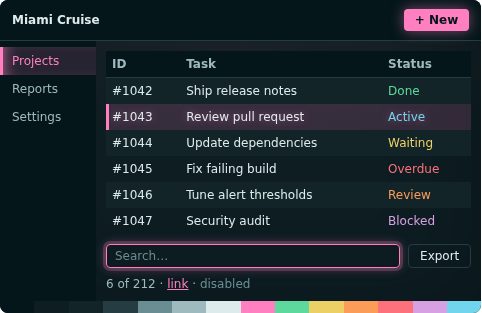
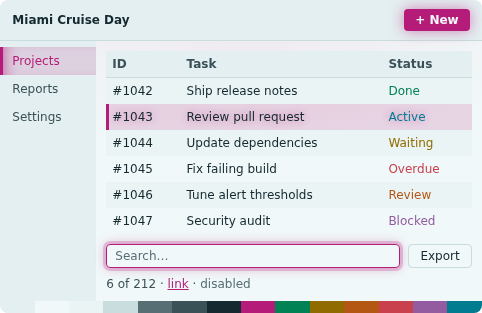
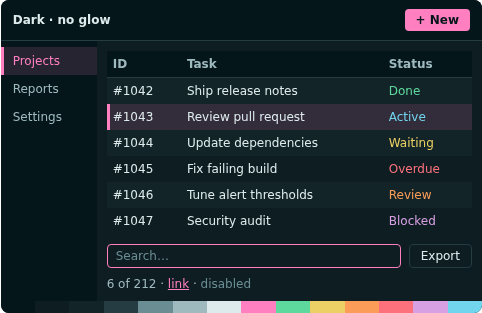
CSS variables for the palette, plus an optional glow layer.
Install
Download
Download
miami-cruise.cssandglow.css.curl -fsSLO https://lanjelin.github.io/miami-cruise/downloads/web/miami-cruise.css curl -fsSLO https://lanjelin.github.io/miami-cruise/downloads/web/glow.cssLink the stylesheets
<link rel="stylesheet" href="miami-cruise.css"> <!-- optional --> <link rel="stylesheet" href="glow.css">Use the variables
body { background: var(--mc-bg); color: var(--mc-text); } a { color: var(--mc-accent); } .card { background: var(--mc-panel); border: 1px solid var(--mc-border); } .btn { background: var(--mc-accent); color: var(--mc-on-accent); }With
glow.cssyou can addmc-primary(glowing button),mc-focus(glowing focus ring),mc-selectedandmc-surface(soft top-lit background).The glow only decorates states that already work without it, and browsers without
color-mixsimply skip it.Dark, light, or follow the system
Dark is the default. Set
data-theme="light"on<html>for the light variant. To follow the system:<script> var m = matchMedia("(prefers-color-scheme: light)"); function sync() { document.documentElement.dataset.theme = m.matches ? "light" : "dark"; } m.addEventListener("change", sync); sync(); </script>